Pizza House Simulator Guides Hub
How-to pages for the kitchen loop, fryer bay, calendar prep, six-player lobbies, and greedy-shift punishment.
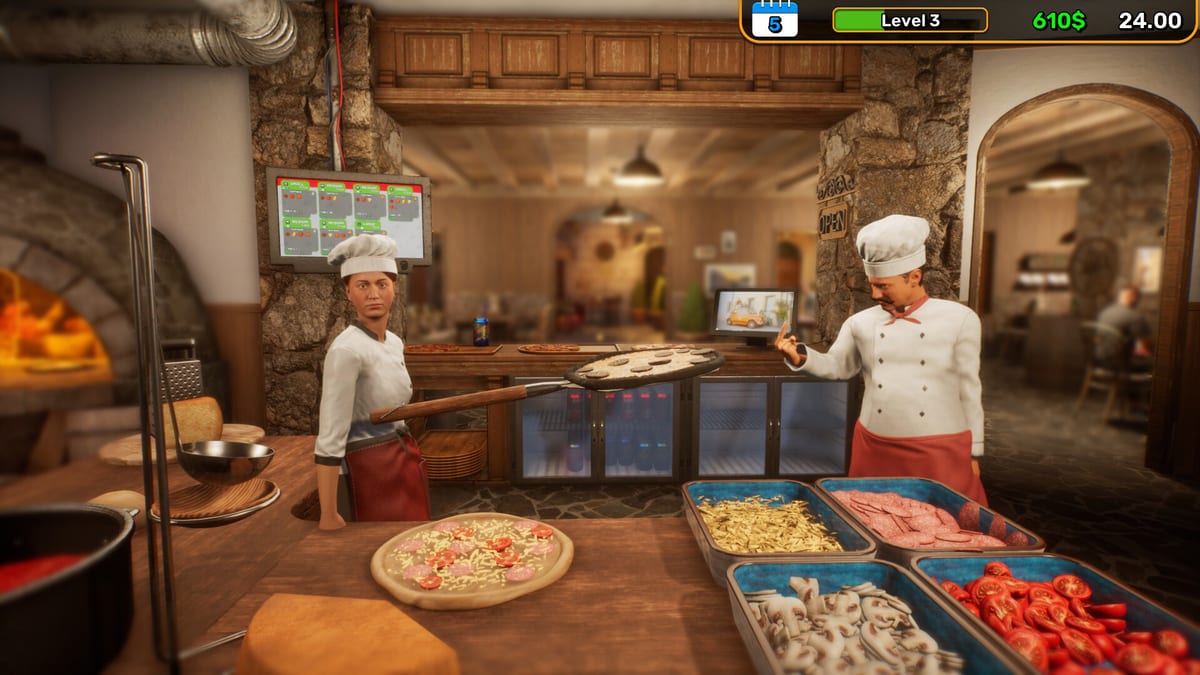
This hub is the map for every how-to on the wiki. Pizza House Simulator launched on Steam for Windows on 19 August 2026, and launch-week searches already cluster around the same questions: how to finish a pizza before the ticket dies, how to run the day-one fryer without starving the stone, how to read the calendar before a festival lunch, and how to invite friends without a broken join. Use the links below instead of bouncing between random videos. The PC nav dropdown shows the top guides and a View-all link back here when the list grows past eight rows.
Start with service, not wallpaper
The game sells a beautiful Amalfi street, but the score is still tickets served, stars earned, and cash left after ingredients. Read Getting Started before you decorate. That page is the first-hour order of operations: open, prep, plate, repair, close. If the cooking steps still feel muddy, How to Make Pizza slows the line down—dough, sauce, oven, plate. Day-one sides, wine, and launch toppings live on Fryer Line and Sides so fries never outrank a waiting pie.
Solo owners should treat assistants and automation as the long-term plan, not a day-one cheat. Co-op groups should not all stand at the same board. Co-op Multiplayer covers Steam invites, join codes, host duties, and why Escape pause in solo unpauses when a friend drops in. Pair it with the co-op role planner so dough, oven, fryer, floor, and repairs have names attached.
Pressure systems that actually fail runs
Lunch can look easy. Dinner is where stations break, customers stack, and someone forgets the peel. Rush Hour is the page for ticket timing and table numbers. Calendar Events is the page for reading fifty-plus day tags before doors. Kitchen Automation is spending cash on throughput instead of lamps. Rank purchases against kitchen upgrades and decorate only after customize is a victory lap.
Disasters are not flavor text. How to Survive Disasters is the defensive guide. Money systems live on loans and stocks. Streamers: Twitch and Kick. Patch verbs start at patch 1.005.
How this hub connects to the rest of the wiki
Guides answer how. The Kitchen section answers what to buy and which motto to run—start at the Kitchen Hub. Tools sit on a second monitor: first-shift checklist, system requirements, and Steam Deck. Bind habits: Controls. Boot or join failure: troubleshooting. Verdict: Review Hub. Patches: Updates Hub. Store: Links Hub.
What we will not invent
This is an unofficial fan wiki. We will not invent promo codes, fake controller charts, or recipe gram counts the developers have not published. Early-launch priorities—fryer after pizza, calendar before motto—are labeled as judgment, not datamines. Work one guide at a time. A clean lunch teaches more than three open tabs and a gambling table you cannot afford yet.
Frequently Asked Questions
Quick answers drawn from the kitchen loop, co-op lobbies, and economy systems.
Which guide should I open first?
Getting Started, then How to Make Pizza. Add Fryer & Sides and Calendar Events when those systems show up on your board. Open Multiplayer only when you have a lobby.
Do these guides work for solo and co-op?
Yes. Solo uses assistants and automation. Co-op uses the same stations with split jobs. Both modes share disasters, loans, calendar tags, and the Amalfi economy.
Is this wiki official?
No. Confirm prices, languages, and patches on the Steam store page for Pizza House Simulator.