Pizza House Simulator Controls Guide
How the Amalfi kitchen expects a mouse, when Escape pauses, and how to stop fighting tiny toppings.
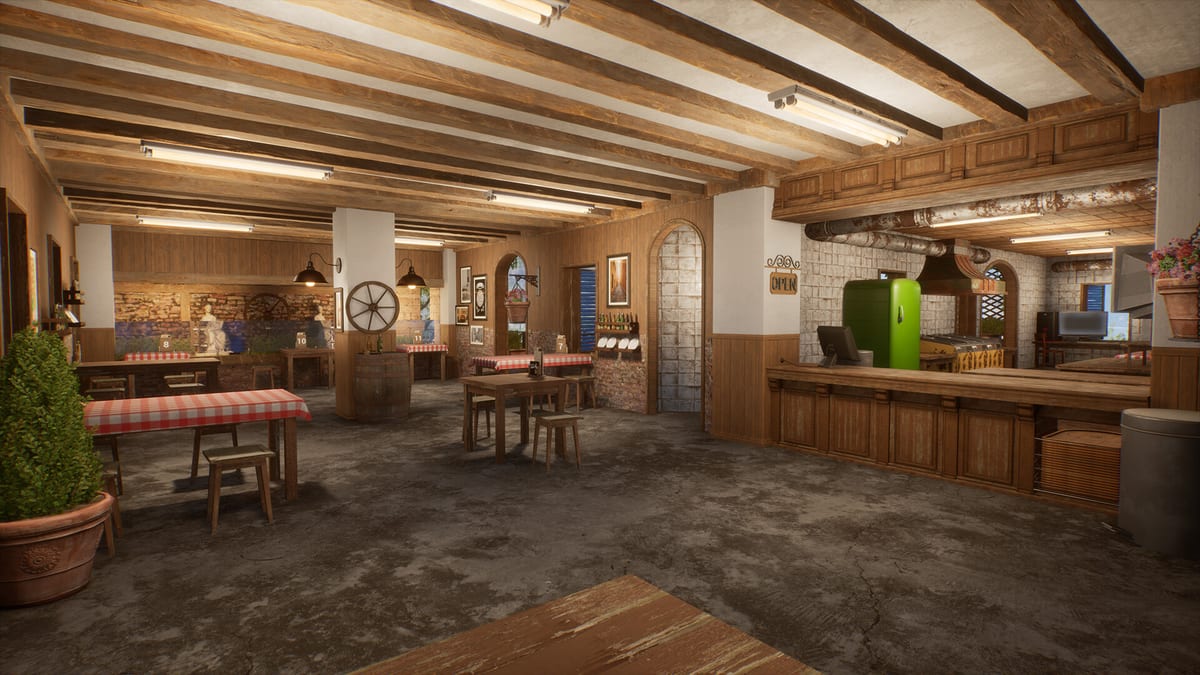
Pizza House Simulator is built around point, grab, place, confirm. The Steam Windows release does not pretend to be a twin-stick brawler. If your hands expect controller-native cooking from another genre, the first hour will feel sticky until you lean into mouse precision—or a trackpad that pretends to be one. This page is the control philosophy and the practical binds players actually need. It will not invent a complete official key dump the developers have not posted as a single chart. Rebind inside Steam Input when a layout fights you.
Core loop on mouse and keyboard
Look with the mouse. Move with WASD-style movement if your layout uses it. Interact with the context prompt—pick up dough, place on board, grab sauce, open oven, plate, pay, repair. The important habit is finish the motion: do not sprint away mid-place. Demo and launch patches already chased bugs where held items jittered or vanished when players whipped the camera; slow hands still win more tickets than panic strafe.
Keep the portable order tablet in reach. Pick it up and carry tickets to the stone instead of craning at a wall screen. Table numbers must stay readable from the line; if you cannot see them, your “control problem” is layout, not binds.
Pause, menus, and co-op surprises
Escape pauses in solo. When a friend joins through Steam, that pause lifts. If you were renaming the restaurant or shopping, you are suddenly live. Hosts should warn joiners. Full lobby flow: Co-op Multiplayer.
Emotes broadcast to other players after demo fixes—funny in a six-stack, fatal if you bind them next to interact. Put social wheels on a hold chord, not on your repair key.
Controllers and Steam Input
Xbox and other pads work through Steam Input community layouts (including demo-era configs). Expect mouse-emulation layers for ingredient picks. If sauce edges feel impossible, the layout is wrong, not your wrists. Prefer community configs that expose keyboard/mouse actions clearly over “gamepad only” fantasies.
Steam Deck specifics
Right trackpad as mouse. Rear grips for tablet, repair, and confirm. Toggle for pour actions. Details and FPS bands: Steam Deck Guide. Specs: system requirements.
Accessibility and quality-of-life habits
- Lower mouse raw speed until topping grabs stop overshooting.
- Increase UI scale before you blame the fryer collider—basil pots were enlarged in patch 1.005 for a reason.
- Bind repair where your thumb already rests during dinner, not on a distant face button you forget.
- In co-op, agree that only one player “clears stuck items” so four people are not slamming drop.
When controls are not the bug
Cannot join a lobby, money resets, transparent ground, white sauce stations—those are build issues, not your keybinds. Use troubleshooting and launch notes. If the executable never opens, verify Steam files before remapping everything.
Learn the kitchen verbs next: Getting Started, How to Make Pizza, Fryer Line and Sides. Roles for six humans: co-op role planner. Verdict context: Review Hub. Store: Links Hub.
The official trailer in the middle shows the intended hand speed and camera distance. Match that pacing; do not play it like a shooter.
Frequently Asked Questions
Quick answers drawn from the kitchen loop, co-op lobbies, and economy systems.
Is there an official full keybind list on this wiki?
We document habits and Steam Input guidance. Rebind in-game or via Steam if your device needs a custom map; we will not invent a fake chart.
Why does pause stop working?
Solo Escape pause lifts when a friend joins. That is intentional session behavior, not a broken Esc key.
Controller or mouse for the pizza line?
Mouse or trackpad-as-mouse wins for toppings. Controllers work best when Steam Input emulates that precision.